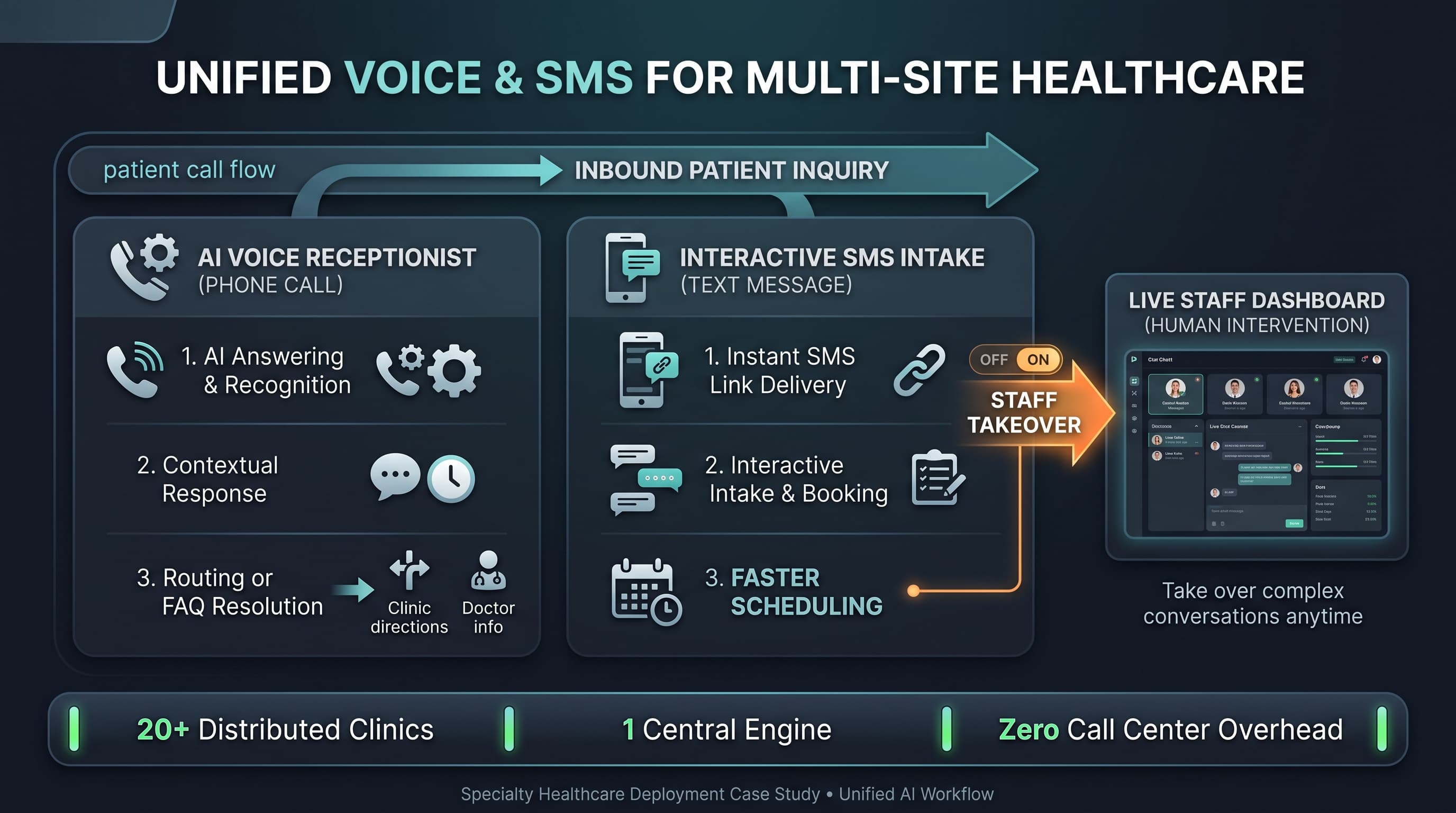
Senior living communities handle a mix of conversations that are emotionally important, operationally repetitive, and highly sensitive to tone. A senior living AI phone system can help when it is designed around those realities instead of treated like a generic answering layer. Communities need warm first-response coverage, but they also need better structure around tours, resident service requests, family questions, and after-hours escalation.
That combination makes senior living a strong fit for workflow-driven automation. Many calls follow a repeatable pattern, yet the experience still has to feel calm and clear. The right design removes avoidable interruption for staff while making sure residents, families, and prospects do not feel bounced between disconnected processes.
The operational challenge behind senior living call volume
Communities are balancing multiple audiences on the same phone line. Prospects want information about tours and move-in timing. Families may need updates, reassurance, or coordination. Residents may call about service needs, maintenance, or general support. Staff and vendors create still more traffic. If every one of those conversations lands in the same queue without structure, the result is slow follow-up and inconsistent handoff quality.
The problem gets sharper after hours. Communities still need a clear response path for wellness concerns, urgent facility issues, and family needs, but they do not want every non-urgent request to wake the wrong person. That means after-hours logic must distinguish between emergency escalation, high-priority callback, and next-business-day follow-up with very little ambiguity.
This is why communities should think in terms of operating motions, not generic call handling. A good system should help the community classify who is calling, why they are calling, how urgent the request is, and which team should own it next. The same principles from AI communication playbooks apply here: define the recurring conversations before trying to automate them broadly.
Senior living AI phone system workflows worth building first
The first workflows should support the conversations that communities repeat every day and the ones that degrade resident or family experience when follow-up slips.
Tour inquiries and prospect screening. Capture move timeline, care needs at a high level, family contact information, and preferred follow-up timing.
Resident service requests. Identify the request type, location, timing, and whether it should route to resident services, maintenance, or another internal team.
Family callback requests. Separate informational questions from urgent coordination needs and attach the right resident context for staff follow-up.
Maintenance intake. Gather unit, issue type, and urgency so operations staff can triage cleanly.
After-hours call classification. Distinguish emergencies, urgent wellness concerns, and non-urgent requests that can wait until morning.
These workflows matter because they directly affect trust. A missed tour inquiry becomes lost revenue. A poorly routed family concern damages confidence. An after-hours issue sent to the wrong person creates real operational friction. Communities do not need a system that sounds clever. They need one that protects response quality in the moments that shape reputation.
Tone matters, but structure matters more
Senior living leaders often ask whether the experience will feel appropriate for residents and families. That is the right question, but tone alone does not solve the operational problem. A warm introduction cannot compensate for a workflow that sends a maintenance issue to sales or routes a family concern without the resident context staff need to respond well.
The best approach is to design for both. The conversational layer should sound clear, respectful, and community-specific. The workflow layer should collect the exact details that make the next handoff useful. If either side is missing, the deployment will feel either cold or chaotic. The article on escalation design is especially relevant because tone breaks down quickly when the system does not know when to stop and route the call onward.
Communities should also avoid over-automating sensitive conversations. Some questions are appropriate for structured capture and callback coordination. Others should route immediately to staff. The discipline is deciding those boundaries before launch rather than after complaints arrive.
Rollout guidance for communities
A community usually gets the cleanest start by picking one revenue-facing workflow and one service workflow. Tour capture and after-hours classification are often a strong pair because together they test both responsiveness and escalation quality. Staff can then compare whether the summaries arriving from each path are actually better than the previous answering process.
Start with request types that already have obvious owners inside the community.
Review handoff summaries with the teams receiving them and tighten missing fields quickly.
Keep after-hours urgency rules explicit so the system never guesses when a policy should decide.
Expand only after staff say the summaries are actionable without re-asking the same basics.
In senior living, the right phone workflow is not just about coverage. It is about making people feel heard while preserving operational clarity for the team behind the scenes.
FAQ
What senior living calls should be automated first?
Tour inquiries, resident service requests, family callback requests, maintenance intake, and after-hours call classification are typically the strongest early workflows because they are frequent and operationally structured.
Can a senior living AI phone system handle after-hours calls safely?
Yes, if the workflow uses explicit urgency rules and known routing paths. Communities should define what requires immediate escalation, what requires a prompt callback, and what should be logged for the next business day.
How do communities keep the experience from feeling impersonal?
Use a calm, community-specific conversational style and keep the workflow focused on helpful capture rather than long scripts. Warmth matters, but it should support a clear next step, not replace it.
Next step for community operators
If your team is juggling tours, resident requests, and after-hours coverage on the same line, review the Senior Living AI Phone System page and pair it with AI Communication Playbooks to define the first two workflows worth standardizing.